Published by Treadline
Landmark badge not unlocked? Check the recorded outing
Compare the landmark’s marked point with the territory from your recorded activity. Passing the attraction, reaching its entrance or downloading a suggested GPX does not by itself earn a Treadline landmark badge.
This guide is published by Treadline, one of the apps discussed. No app paid for placement. Sources and copy reviewed ; features, access and purchase options can change.
How to choose
This is a checklist for gathering useful evidence, rather than an automatic diagnosis of an individual activity.
Make sure you are checking the same place
Open the landmark in Treadline and identify its marked location. Then look at the activity you expected to earn it. Similar names, a large attraction boundary and an entrance on a different street can make a visual comparison misleading.
The condition concerns the marked point enclosed by qualifying captured territory. It does not concern how close a photo, station stop or ticketed visit came to the building.
Separate the plan from the result
A downloaded loop is a planning suggestion. If a closure or an early finish changed your outing, the actual recording may have a different shape from that file. Inspect the recorded route and territory rather than using the planned line as proof.
For example, a planned square with a landmark inside becomes a different outing if you return along the first side. The total distance may still be substantial while the enclosing shape is absent.
Keep the relevant evidence together
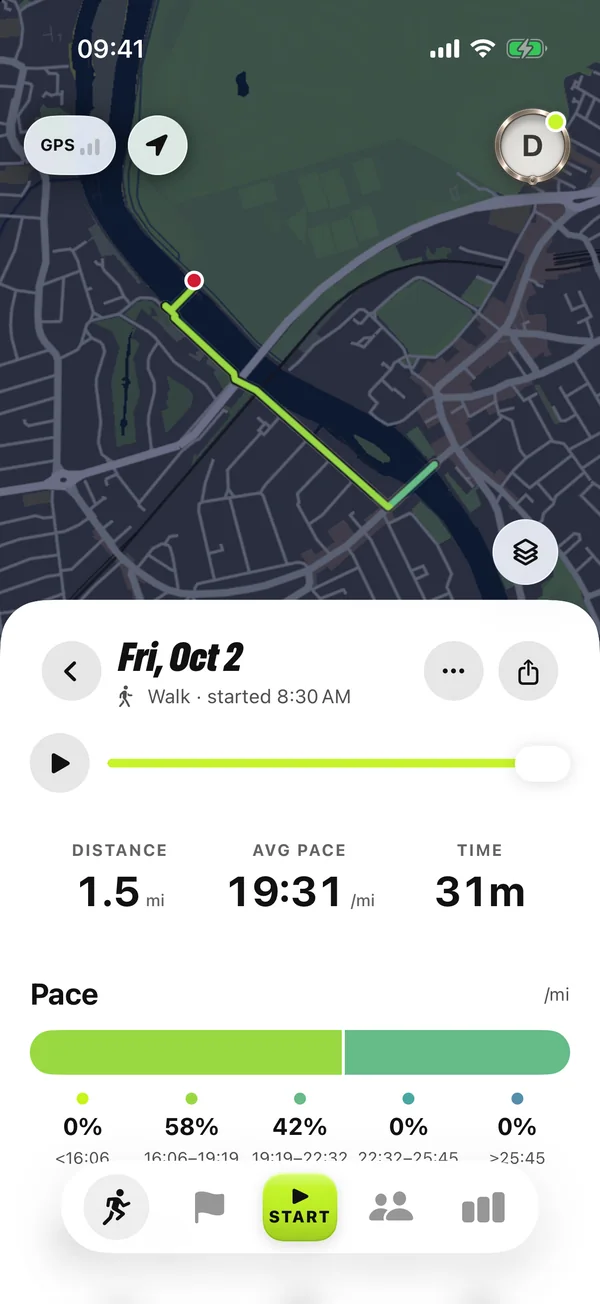
Note the activity date, the landmark name, the expected result and what the activity currently shows. Screenshots of the activity result and the marked landmark make a report more specific than a distance total alone.
Do not publish a home address or an unneeded full activity history to describe the problem. Use the support contact in the app or on this website for a private report.
Leave an uncertain result uncertain
A map screenshot cannot establish every recording or processing detail. If you believe the qualifying territory encloses the correct point but no badge appears, send the example for review.
This checklist does not promise that restarting, repeating an import or walking a larger loop will repair that activity. Avoid changing the original evidence before the result is understood.
Try a landmark loop
Sources and further reading
- Treadline FAQ: released recording, territory, badges and imports (reviewed 2026-11-05)
- How to earn landmark badges in Treadline (reviewed 2026-11-05)
- Treadline FAQ — released product facts