Published by Treadline
How to earn landmark badges in Treadline
Record a qualifying run or walk that captures territory enclosing a landmark's marked location in Treadline. Simply visiting, photographing or passing the landmark does not earn its badge. Once earned, the badge stays yours after territory ownership changes.
This guide is published by Treadline, one of the apps discussed. No app paid for placement. Sources and copy reviewed ; features, access and purchase options can change.
How to choose
This guide describes Treadline's released enclosure rule. Website routes are optional planning suggestions; the app determines whether an activity qualifies.
Pick the place and check its marked location
Browse the released Icon and City catalogue, or find Local places in the app. Read the landmark page and inspect the marked location in Treadline. A route needs to go around that point rather than just reach an entrance.
Plan a public, accessible loop you are comfortable covering. Where available, a landmark page offers an audited OpenStreetMap foot loop and GPX. You can choose any qualifying loop; you do not need to follow that suggestion exactly.
Record the activity, then review the result
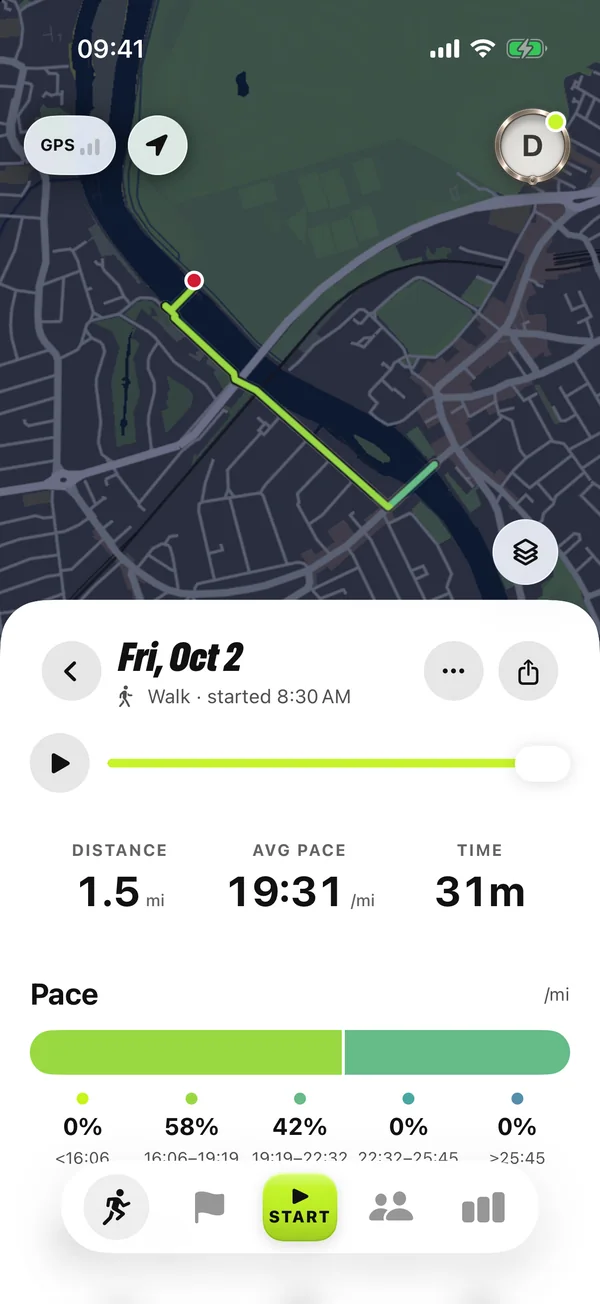
Start a run or walk in the app, or use automatic tracking with its required permissions. Complete the loop so the capture encloses the landmark's marked point, and review the activity and collection after it is processed.
A route suggestion does not guarantee an award. Current access, your actual recorded route and the app's qualification rules matter. If the route did not enclose the marked point, a close pass is not a substitute.
Keep collecting at your own pace
Walking and running use the same landmark-badge rule. Recording, landmark badges and territory are free; Pro is optional. The badge is permanent even when a clubmate later takes the territory.
Use the loop finder to choose another published route, or the time calculator to estimate moving time from your own pace. Neither tool needs a web account, and neither sends your search or calculator inputs to analytics.
Try a landmark loop