Published by Treadline
How to plan a 30-minute walk around a landmark
Choose a loop using the time you can spend moving, then leave room for stops and the journey to its start. For example, 25 moving minutes at 12 minutes per kilometre gives about 2.08 km. Use your own pace rather than treating that example as a target.
This guide is published by Treadline, one of the apps discussed. No app paid for placement. Sources and copy reviewed ; features, access and purchase options can change.
How to choose
This is a planning method with worked arithmetic, not a fitness prescription. It helps you decide whether a published loop fits an available half hour.
Start with the whole time window
Write down when you need to be back. Subtract the time needed to reach the start, return from the finish and make any planned stops. A route beginning ten minutes from your door uses twenty minutes of the window before the loop itself is counted.
For a 30-minute window starting at the loop, reserving five minutes for crossings and pauses leaves 25 minutes of moving time. The reserve is an example, not a guarantee: conditions can require more time.
Turn moving time into a distance budget
Distance in kilometres equals moving minutes divided by minutes per kilometre. With 25 moving minutes, a pace of 10 min/km gives 2.5 km; 12 min/km gives about 2.08 km; 15 min/km gives about 1.67 km. These are hypothetical paces. Choose one based on your own recent comfortable outing.
Enter the distance and your pace in the free time calculator. It calculates moving time, so add the stops and travel time yourself. Hills, crowds and the route surface can change how long the walk takes.
Choose one existing loop
Use the landmark loop finder to search your city and set a maximum distance below your budget. Open the landmark page and inspect its map and GPX before choosing it. A short distance does not establish easy access or a step-free route.
The finder contains published suggestions, not a generated route for every location. If there is no suitable match, choose another destination or a familiar route that fits the time; there is no reason to force a landmark into every walk.
If you want a Treadline badge
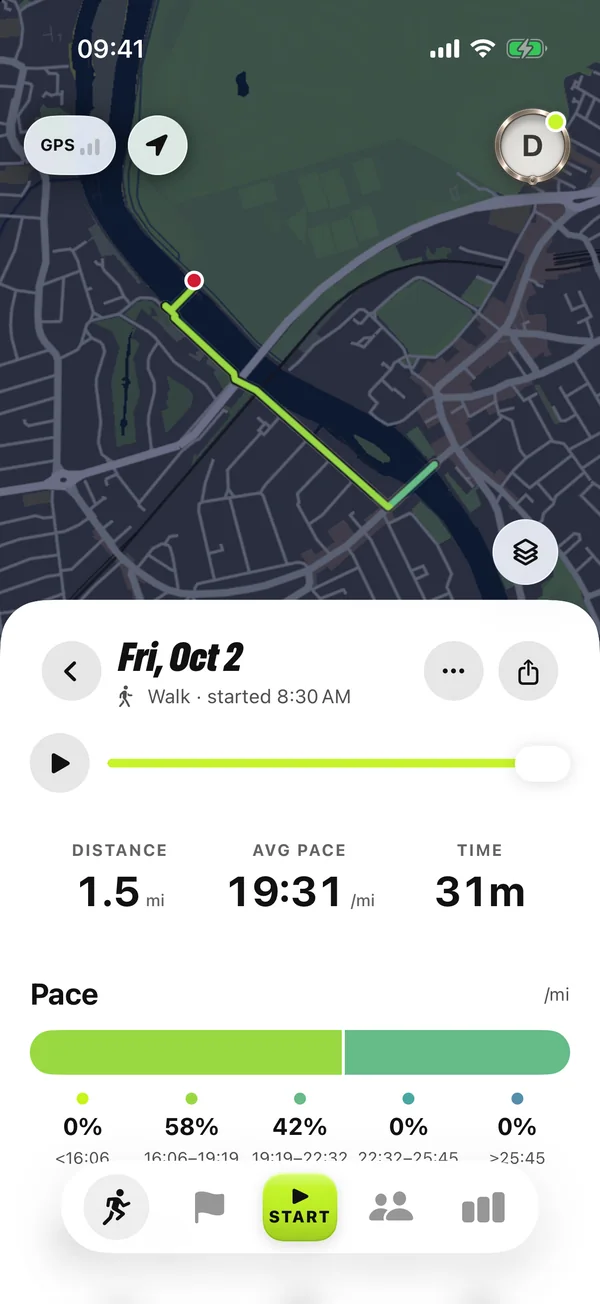
Check the landmark’s marked location in Treadline. The recorded run or walk must capture territory enclosing that point. Arriving at the entrance or walking past it does not meet the rule.
Recording, territory and landmark badges are free in the app. A suggested GPX is a planning aid; the app evaluates your actual activity. Leave enough time to finish your chosen loop, and change your plan if access or conditions differ.
Try a landmark loop
Sources and further reading
- Walking and running time calculator (reviewed 2026-10-21)
- Published landmark loops and GPX downloads (reviewed 2026-10-21)
- Treadline FAQ: released features and import support (reviewed 2026-10-21)
- Treadline FAQ — released product facts